Welcome to Smart Home Forum by FIBARO
Dear Guest,
as you can notice parts of Smart Home Forum by FIBARO is not available for you. You have to register in order to view all content and post in our community. Don't worry! Registration is a simple free process that requires minimal information for you to sign up. Become a part of of Smart Home Forum by FIBARO by creating an account.
As a member you can:
- Start new topics and reply to others
- Follow topics and users to get email updates
- Get your own profile page and make new friends
- Send personal messages
- ... and learn a lot about our system!
Regards,
Smart Home Forum by FIBARO Team
Search the Community
Showing results for tags 'smpllog1.1'.
Found 1 result
-
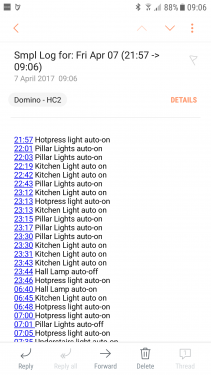
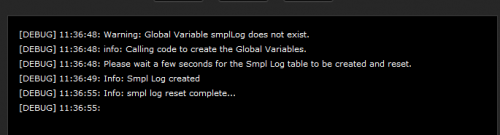
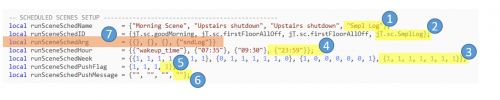
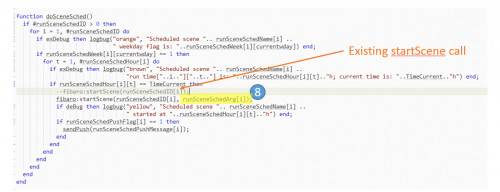
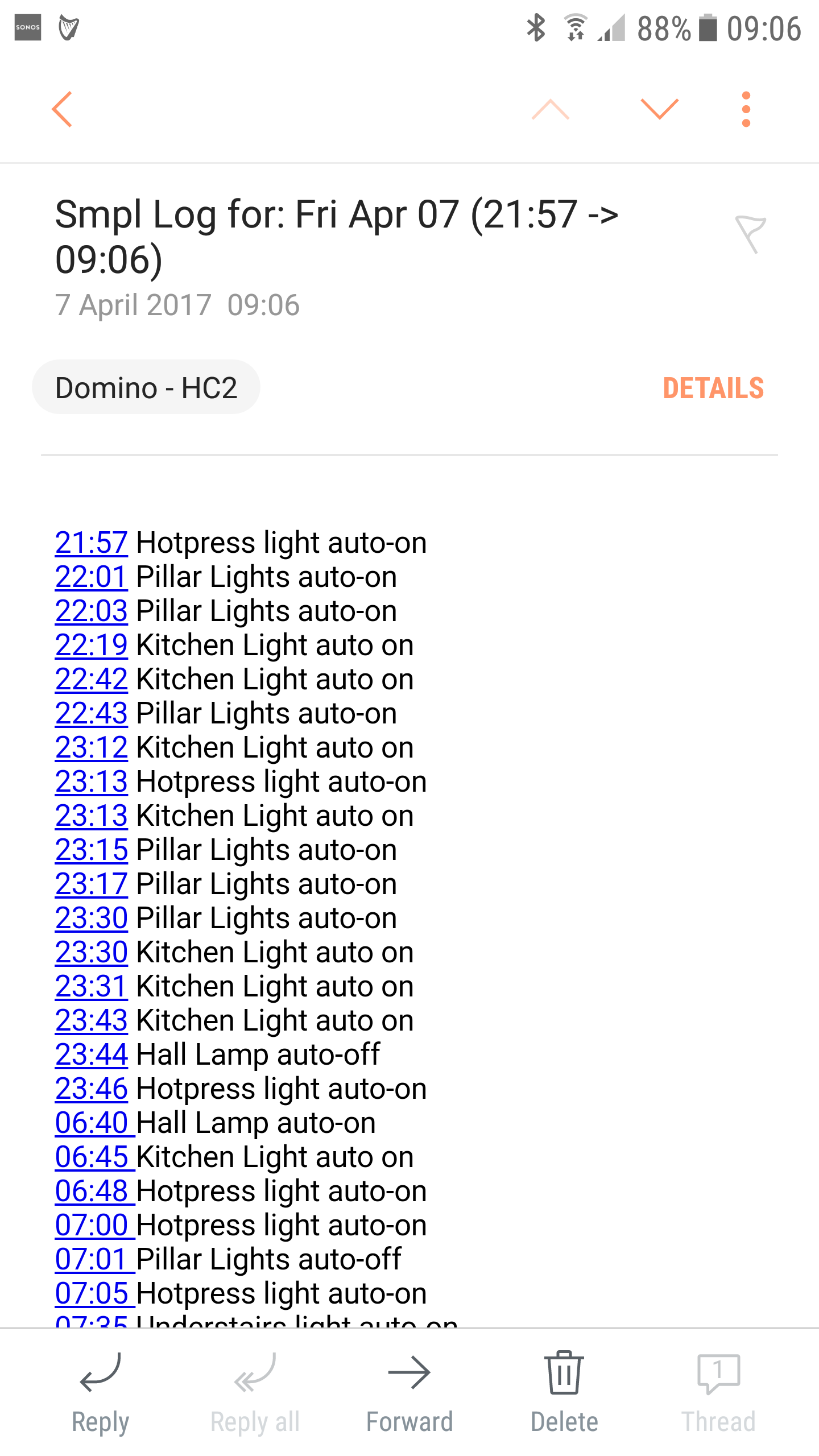
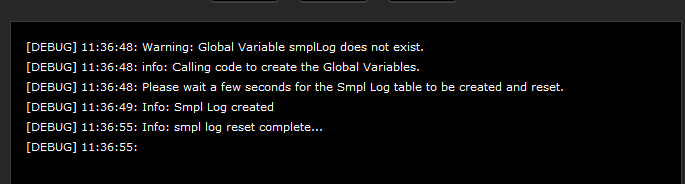
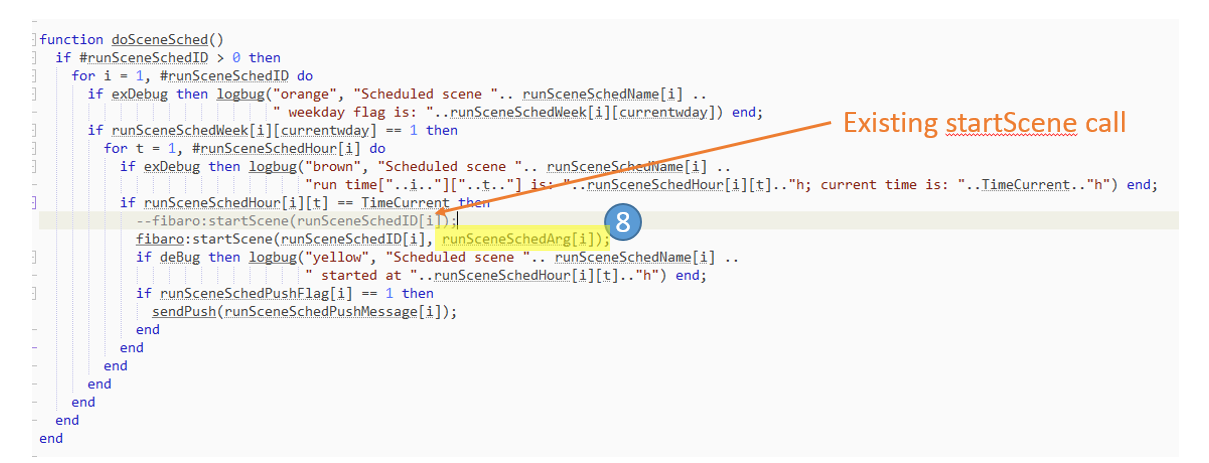
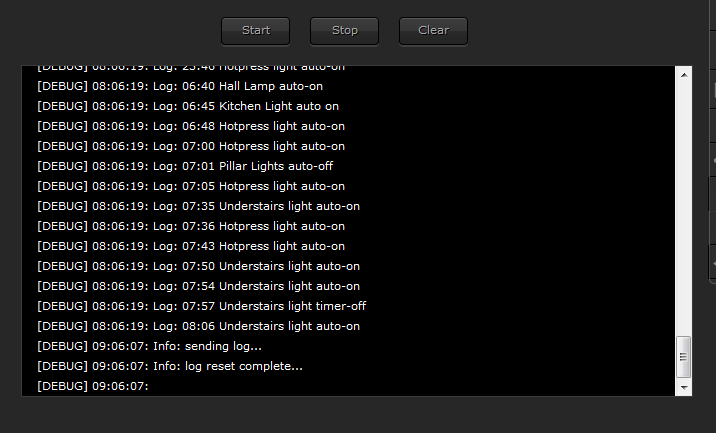
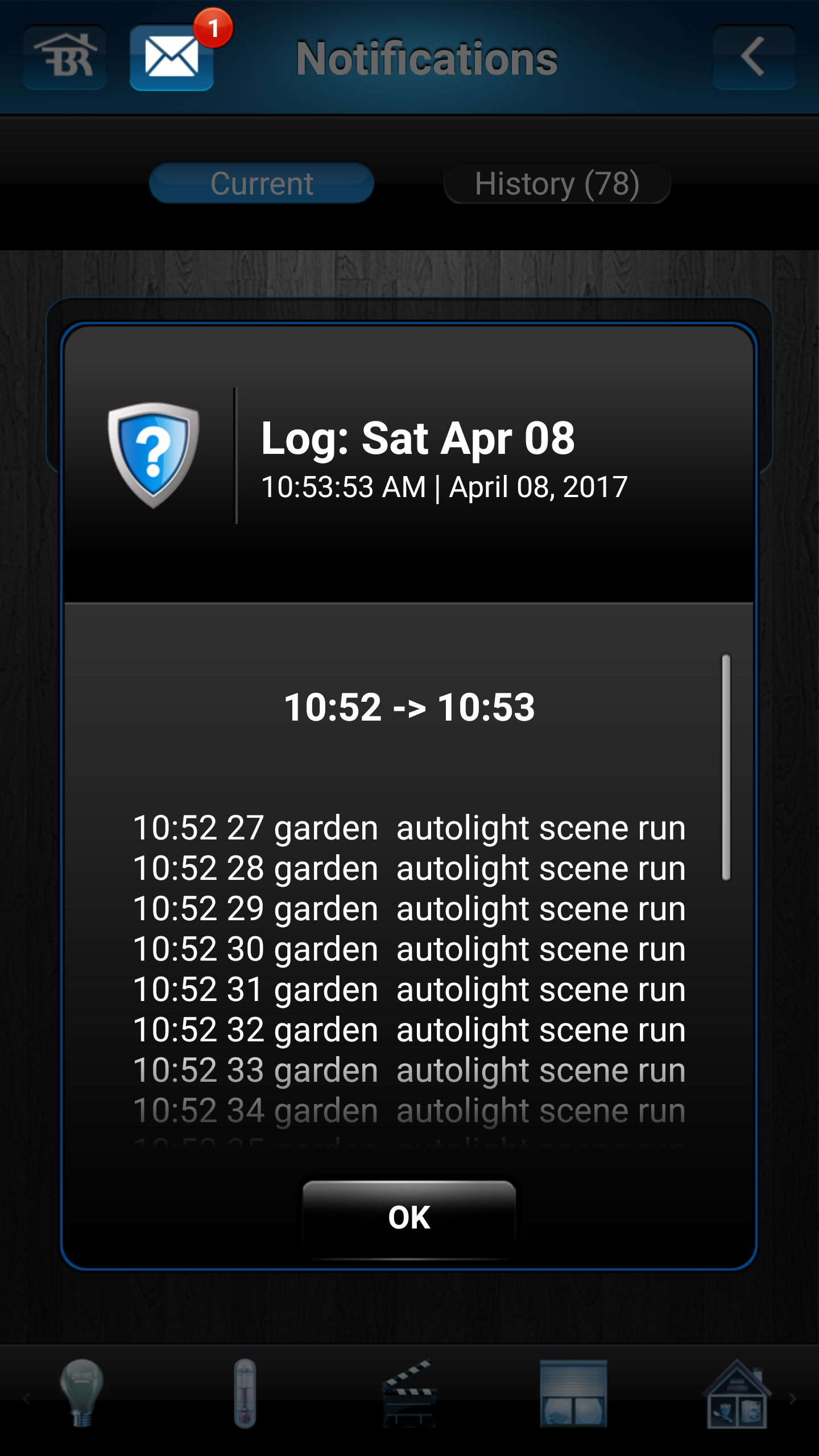
Hi Everyone SmplLog 1.1 (aka Simple Logger) NOTE - Changelog from 1.0 to 1.1 includes better support for popups (Type can be defined and different use of Title and SubTitle) Upgrade from 1.0 to 1.1 - Simple drop in new scene code below and change target to what you use. I created this scene to track the behavour of my own system and decided to share as other users may get use from it. PREFACE - This uses the Smart Message Hub in its published form but could easily be modified to send the log direct to a notification service This scene will log entries with a time stamp and send them to a user defined notification service as one batch. The scene was designed to track debug type events/notices/data that you may review daily or periodically. It can even be used as you debug a new scene and may want to read sensor data every x minutes and provide the result back as one email/notification Overall, its designed to keep the clutter out of your primary notification services and give you a batch notification of some event Most notification services have a limit of characters and this is configurable in the scene below. Once this max limit has been reached the log entries will send to the defined target as a batch. The batch notification has a title of the day and a time range from the first entry to the last. The following is an example of the log being sent via HC2 email -> To invoke from a scene simply add the following.. fibaro:startScene( jT.sc.SmplLog, {"message text you want to send"}) or fibaro:startScene( 705, {"message text you want to send"}) INSTALLATION AND CONFIGURATION ( very little configuring with this one) 1) Copy code into new scene. It will create a global variable and then after a number of seconds will initialise the log table 2) Comment out/in the usual HomeTable reference as you require 2) Set deBugVar = true of you want to see the messages are they are being logged 3) Define your target notification (as this uses the Smart Message Hub, the target names should match whats in your SMsgH 1.1) -> The scene is setup to send to HC2 superuser by default 4) Add the Logging Invocation above to whatever seen you want .. and that's it !! I have also included a Demo Scene that will allow you to see the scene working. It logs 29 log entries in succession and will invoke the log batch notification after 27 entries as it will have reached the max characters at that stage A second command is in the demo scene that allow you to send/reset the log at will. (see secondary option below for use of this) Smpl log scene code ------------> Smpl Log 1.1.lua Smpl Log demo code -----------> Smpl Log Demo 1.0 {see below for instructions} suggested icon -Enjoy Additional Information/Options Demo Scene Scene code included to create a scene that will demo the capability by sending over 1000 characters to the log and this will cause it to auto-send and empty and start again Very easy to use, comments on in the code file below Adjusting the max length of characters that can be logged (at your own risk ) I have set the maximum characters as follows (lenMax = 950) as this appears to the largest number that can be handled by one HC2 email or a single pushover notification can handle. -> hc2email: approx max chars of 1000 allowed. If this is exceeded, the email is NOT sent -> pushover: Limited to approx 1000 chars and if this is exceeded, it is sent as a series of pushover notifications Setting up as a Daily Log You can use @Sankotronic Main Scene to invoke this send log on demand at a certain time. I send it every night at 23:59. You can set this up as follows.... Step 1-6 is the normal setup Step 7 - This is a new addition to the Main Scene code Step 7 code local runSceneSchedArg = {{}, {}, {}, {"sndLog"}} Step 8 is a modification of the code (the existing code is commented out above the required code) Step 8 code fibaro:startScene(runSceneSchedID[i], runSceneSchedArg[i]);