Welcome to Smart Home Forum by FIBARO
Dear Guest,
as you can notice parts of Smart Home Forum by FIBARO is not available for you. You have to register in order to view all content and post in our community. Don't worry! Registration is a simple free process that requires minimal information for you to sign up. Become a part of of Smart Home Forum by FIBARO by creating an account.
As a member you can:
- Start new topics and reply to others
- Follow topics and users to get email updates
- Get your own profile page and make new friends
- Send personal messages
- ... and learn a lot about our system!
Regards,
Smart Home Forum by FIBARO Team
Search the Community
Showing results for tags 'macosx'.
Found 2 results
-
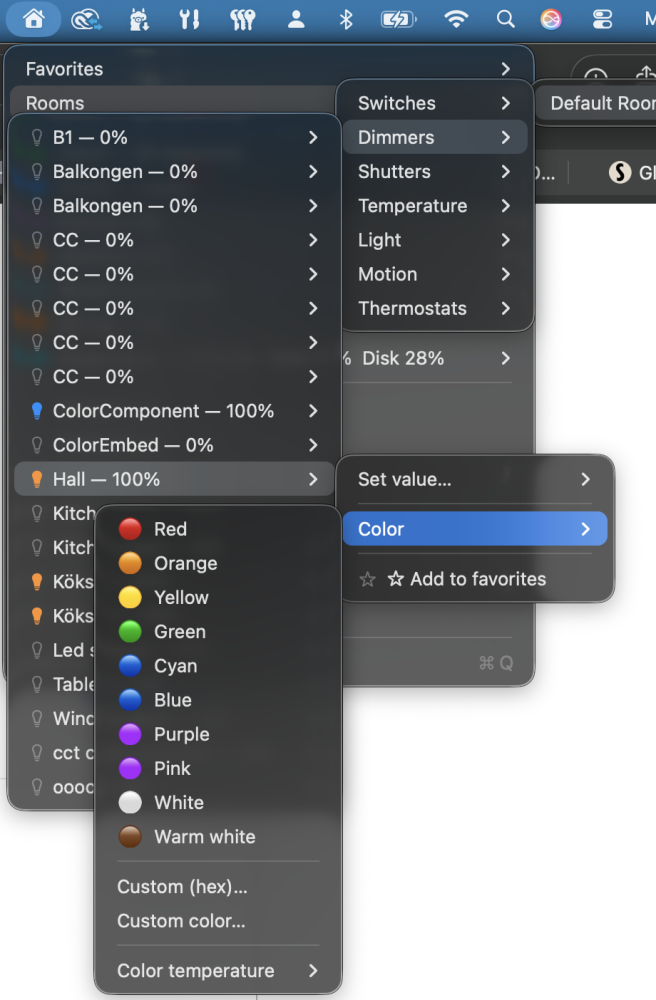
HC3 Menu A macOS menu bar app to control your Fibaro Home Center 3 from the top of your screen — toggle lights, dim, open shutters, set thermostats, see sensor values, and get notifications when things change. Highlights Devices grouped by Room → Type, plus a re-orderable Favorites list. Switches, dimmers, shutters, thermostats, sensors, scenes, alarm/profiles. Three notification streams: device state changes, attention (battery/dead/breach), QA errors & crashes. Live Debug-messages window with filter, severity picker, follow-tail, copy, and Copy QA id for the selected row. Configurable global hotkey to drop the menu from anywhere. Optional daily auto-check for new releases. Signed & notarized DMG; in-app crash reporter. Install Download the latest HC3-Menu-x.y.z-arm64.dmg or HC3-Menu-x.y.z-x86_64.dmg from the Releases page. Open the DMG and drag HC3 Menu into the Applications folder. Launch HC3 Menu from Applications. A house icon appears in the menu bar. Allow Local Network access The first time HC3 Menu tries to reach your HC3, macOS should pop up: Click Allow, then quit HC3 Menu (⌘Q) and launch it again — macOS only applies the new permission to a freshly started process. If you missed the prompt or connections fail with "No route to host" (errno 65): Open System Settings → Privacy & Security → Local Network and toggle HC3 Menu on, then quit and relaunch. If HC3 Menu isn't in the list, reset its privacy state in Terminal: tccutil reset All com.jangabrielsson.hc3menu open "/Applications/HC3 Menu.app" Then click Refresh in the menu so it tries to connect again and re-triggers the prompt. Connect to your HC3 Open the menu and choose Preferences…, then on the Connection tab fill in: Host — your HC3's IP address (e.g. 192.168.1.50) User / Password — an HC3 account with API access PIN (optional) — required only if your HC3 enforces a PIN for certain actions Click Save. The menu will populate within a second or two. Using HC3 Menu Click the house icon in the menu bar. Favorites — your starred devices, always at the top. Rooms — devices grouped by room, then by type within each room. Plus (when present on your HC3) Alarm, Profiles, Scenes, Attention, Activity, Debug messages, Diagnostics. Inside each device submenu: Switches — click the row to toggle on/off. Dimmers — click the row to toggle on/off; Set value… opens a slider/input for 0–100 %. Shutters — Open / Close / Stop. Thermostats — set heating mode and target temperature. Sensors — read-only value (temperature, lux, humidity, motion…). ☆ Add to favorites / ★ Remove from favorites — manage favorites per device. Notifications Three independent notification streams, all toggleable from the Notifications submenu in the menu bar: Device state changes — In Preferences → Notifications, tick the Notify column for any device whose state changes you want delivered to Notification Center (e.g. front door opened, motion in garage). Attention — Battery-low, dead devices, sensor breach, alarm partition state changes. De-duplicated so you don't get spammed each poll cycle. QA errors & crashes — QuickApp error/fatal debug messages (per-QA throttled) and HC3 PluginProcessCrashedEvent events. Favorites Star a device with ☆ Add to favorites in any device submenu. Manage the list in Preferences → Favorites: Drag rows to reorder — the order is reflected in the menu bar's Favorites submenu. Select a row + Remove to unstar it. Global hotkey Open the menu from anywhere with a configurable chord (default ⌃⌥⌘H). Toggle it on from the menu (or Preferences → Shortcuts) and click Record… to set your own combo. Debug log window Activity → Debug messages → Open window opens a live log of all QuickApp debug/trace/warning/error messages with filter, severity picker, follow-tail, copy, and Copy QA id to grab the QuickApp's id from the selected row (the HC3 web UI has no stable per-QA URL, so we copy the id instead of opening a browser). If a QuickApp itself crashes on the HC3, a one-time notification fires and the crash is recorded in the Activity list. Crash reporter If HC3 Menu itself hits an unhandled exception, the traceback is written to ~/.hc3menu/crash.log and a one-time notification appears. Use Show crash log from the menu to inspect it. Check for updates Check for updates… fetches the latest GitHub release and opens the download page if a newer version is available. Enable Auto-check daily in the same submenu to have HC3 Menu poll once per day in the background; it only surfaces UI when something newer actually exists. Where settings are stored ~/.hc3menu/.env — host, user, password, PIN (plain text; chmod 600 recommended). ~/.hc3menu/config.json — favorites and notification rules. To start fresh, quit HC3 Menu and rm -rf ~/.hc3menu. Troubleshooting Problem Try "No route to host" / errno 65 Allow Local Network access (see above), then quit and relaunch. Menu shows nothing / "HC3 connection failed" Verify host/user/password in Preferences. From Terminal: curl -u user:pass http://<host>/api/settings/info Want to see logs tail -f ~/Library/Logs/HC3\ Menu/*.log For developers HC3 Menu is open source (MIT) — Python + rumps + PyObjC. If you want to run from source, hack on it, or build your own DMG, see docs/DEVELOPING.md. License MIT — see LICENSE. Personal-use build, signed and notarized for distribution. No warranty. Not affiliated with Fibaro.

-
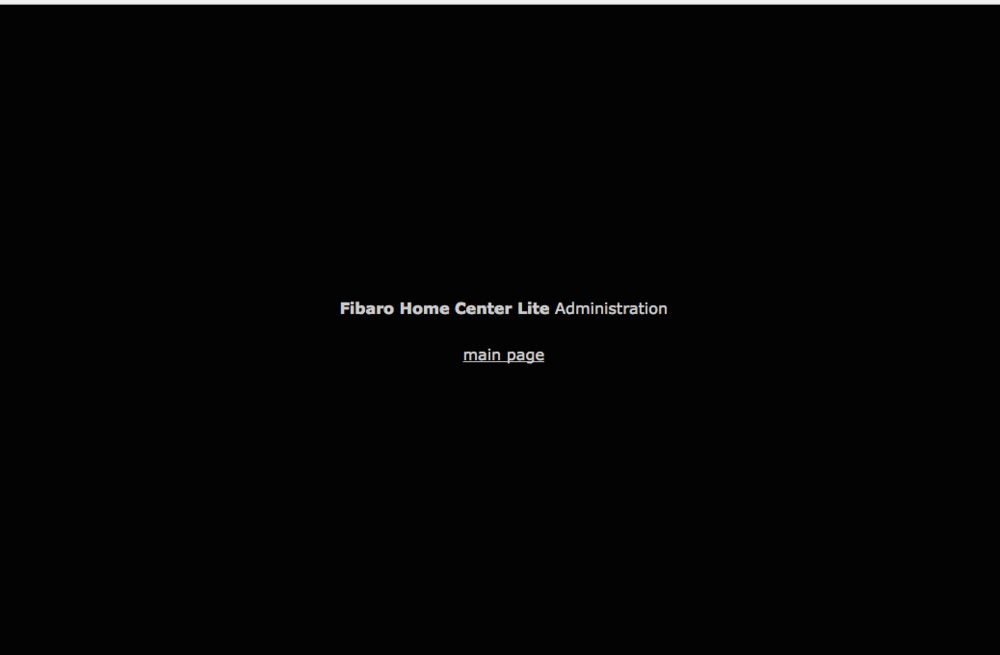
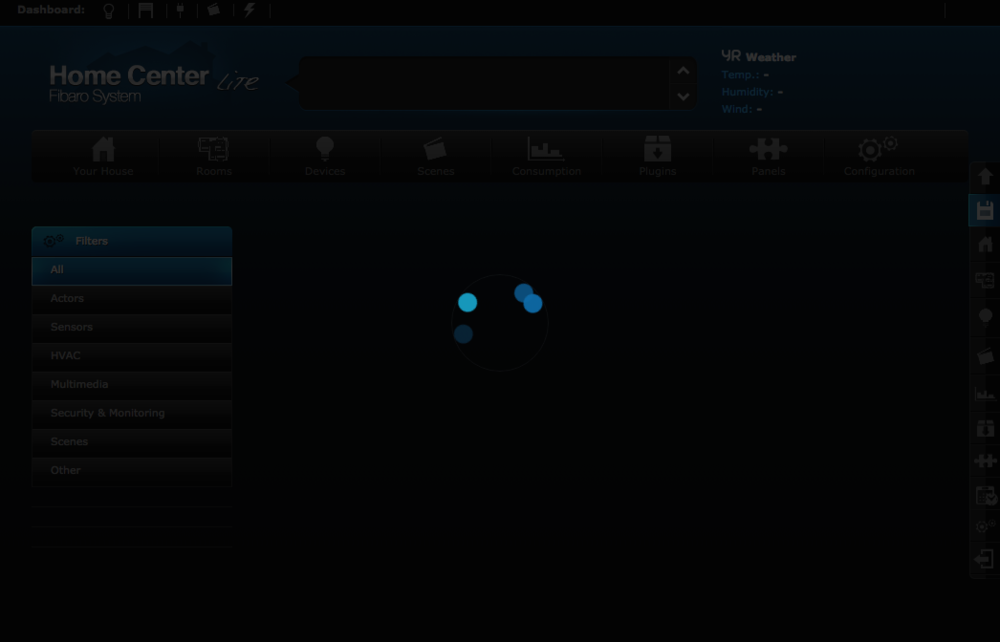
Recently, I've had a lot of problems accessing Home Center Lite Adminstration page. Right now the page load freezes completely with Safari 9.1.3, Chrome 54.0.2840.71 and my iPads Safari. After logging in via home.fibaro.com I am forwarded to black home page (picture1) and when i click 'main page -link' I see a dimmed main console and get endless load bar on top. My apps work fine on Android and iOS meaning my Fibaro Lite is not down - just can't access the system with browser. Anyone having similar problems??