About This File
Contributions & credits
@jgab - fibaroapiHC3.lua (SDK for remote and offline HC3 development)
@10der - Visual Studio LUA environment.
AOR – Advanced Offline Remote for Full Control of Your Fibaro System from Your PC
AOR brings a whole new level of freedom to Fibaro users. Whether you’re running HC3, HC2, HCL, HC3L, or Yubii, AOR lets you control and automate everything directly from your PC using ZeroBrane Studio or Visual Studio Code.
With full LUA 5.3 support, you can finally work without limits: read and write files, run programs on your computer, integrate external systems, and build your own advanced automation logic — all from one place.
And yes… even HCL users can now enjoy real LUA scripting without block scenes or restricted virtual devices. No migration, no master/slave setup, no headaches.
Easy to Start
-
Download AOR_ZB.txt for ZeroBrane
-
Download AOR_VS.txt for Visual Studio Code Just rename the file to .zip, extract it, and you’re ready to go.
Smarter Alerts, Better Awareness
AOR includes built‑in Text‑to‑Speech support, so your PC can speak alerts out loud. Stay aware of important events instantly — no matter what you’re doing.
Designed for Complete Home Awareness
AOR automatically recognizes everything across your controllers:
-
Z‑Wave devices
-
ZigBee devices
-
Nice devices
-
QuickApps
-
LUA and Block scenes
-
Global variables
-
Keywords
You can monitor, control, and automate devices across multiple controllers — all without adding any load to your Fibaro hubs. Just keep your PC awake and let AOR do the rest.
Powerful Monitoring
Scenes stuck? Devices not reporting? Variables frozen? AOR keeps an eye on everything and notifies you the moment something stops behaving as expected. You’ll know about issues long before they become real problems.
Advanced Control Logic
Create powerful automations that react instantly to:
-
Device states
-
Value changes
-
Time conditions
-
Calculations
-
Custom rules
Turn lights on across controllers, trigger actions based on motion, run your own LUA functions — AOR gives you full creative freedom.
Your Own LUA Functions, Fully Supported
Want to run your own code when something happens? AOR can call your custom LUA functions and pass values directly to them. It’s automation exactly the way you want it.
For more details please download
AOR Installation
AOR Advanced User’s Guide - complete instructions and information
AOR Quick Reference Guide – syntax format reference and examples
AOR User functions – write your own code.
GPS User Guide - location functionality
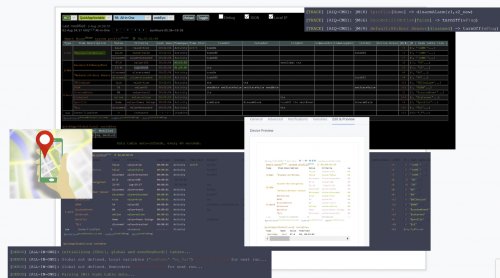
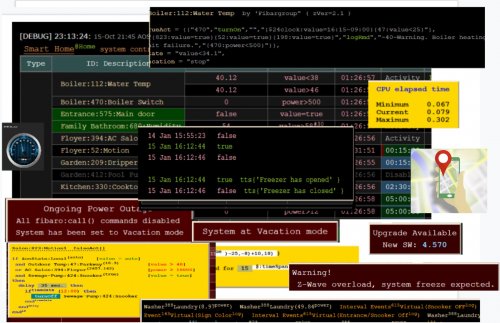
Microsoft Visual Studio debug console
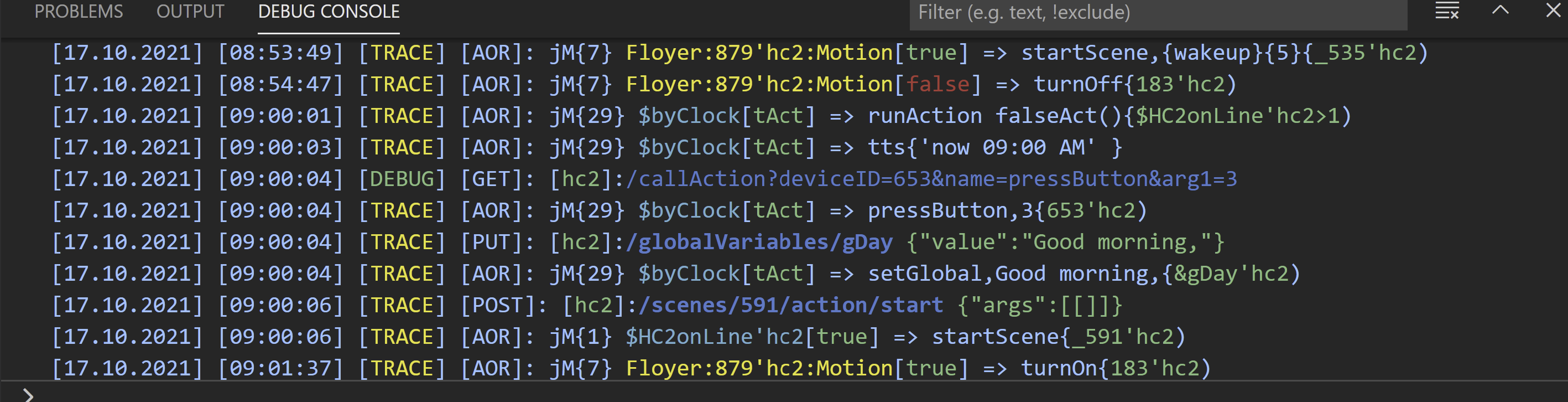
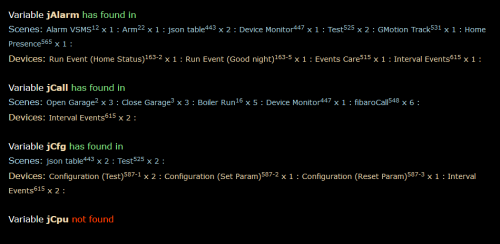
ZeroBrane console output

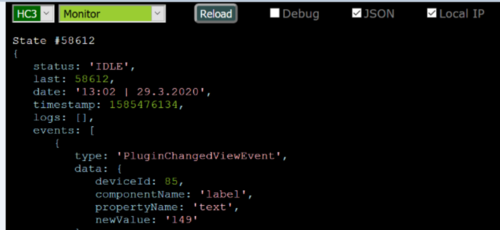
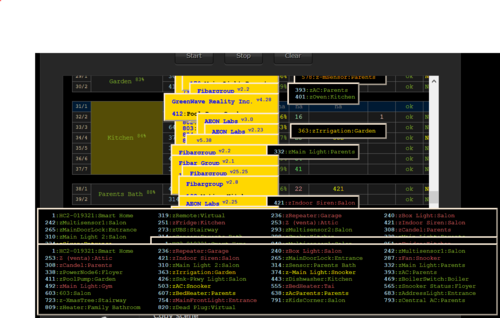
Web view

Edited by cag014
What's New in Version 4.0 See changelog
Released
New Features
-
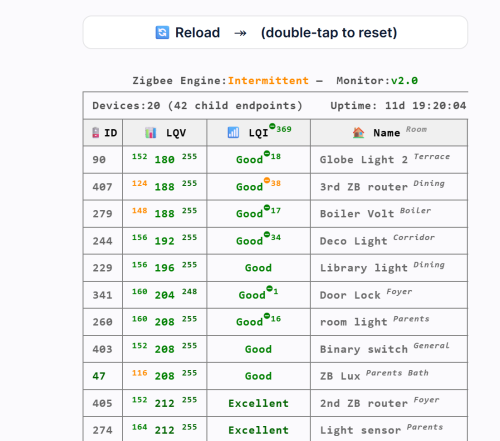
Support for ZigBee devices
-
Most AOQ (QA) features have now been migrated into AOR. A dedicated AOR User Guide will be released soon; in the meantime, you can refer to the AOQ Advanced User’s Guide‑AI‑v1 for guidance.
🐞 Bug Fixes
- Various minor fixes and performance improvements.
📥 Update Instructions
For New Users:
-
Download AOR_ZB.txt for ZeroBrane
-
Download AOR_VS.txt for Visual Studio Code Just rename the file to .zip, extract it.
-
Download the new AOR.lua file and replace your existing AOR.lua with the updated version.
For Existing Users:
- Download the new AOR.lua file and replace your existing AOR.lua with the updated version.
⚠️ Reminder: Always back up your previous file before updating.