About This File
🧠 What AOQ (All-in-One QuickApp) Offers
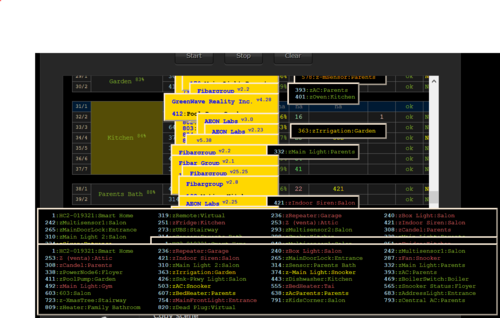
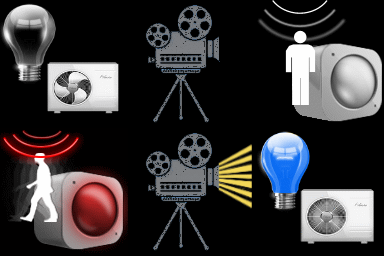
- Multi-System Control: Seamlessly manages HC3, HC2, and HCL controllers using master/slave architecture.
- Unified Automation: Replaces scattered Lua and Block scenes with one centralized QA.
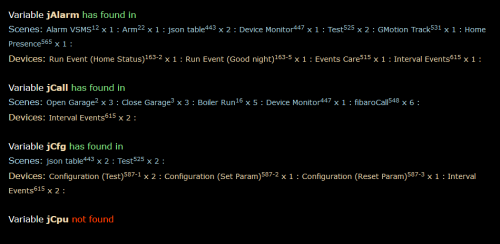
- Device Intelligence: Auto-detects Z-Wave, ZigBee, Nice, QA devices, and scenes.
- Alarm Zone Management: Identifies breached zones/sensors and triggers actions.
- Custom Events & Profiles: Supports dynamic profiles and custom rule-based automation.
🛠️ Core Configuration: Job Management - jM{} Hash Table
Each line in jM{} includes:
| Field |
Description |
|
|---|---|---|
| Time Span |
Duration in minutes for monitoring or action. |
|
| IDs List |
Devices/scenes/variables/keywords (e.g., `"137,630" |
|
| Criteria & Rules |
Optional conditions like |
|
| Action Tables |
Optional commands: |
🔄 Device Aliasing with jS2n{}
Avoid hardcoding device IDs:
jS2n = {mSensor=200, boiler=137, dryer=630, light=230, timeScene="_17"}
Use aliases in jM{}:
jM={
{15,"`mSensor`",{state="value=true", trueAct={"`light`", "turnOn"},falseAct={"`light`", "turnOff"}}}
}
🔍 Monitor Option
Detects inactivity or failure to report:
{8, "`timeScene` and _545", {timeSlot="10:00~22:00"}} -- scenes must be active every 8 min between 10am to 22pm
{10, "`boiler`and 145", {property="power"}} -- must report power every 10 min
{30, "`boiler`", {state="power>100"}} -- alert if power >100 for 30 min
⚙️ Control Option
Example: Turn on light when motion sensor is breached, turn off after 3 min when motion sensor back to safe:
jM={"`mSensor`",{state="value=true",trueAct={"`lightSw`","turnOn"},falseAct={"`lightSw`","turnOff", "180"}}}
To restrict to nighttime:
jM={"`mSensor`",{state="value=true",timeslot="18:00~07:00", trueAct={"`lightSw`","turnOn"},falseAct={"`lightSw`","turnOff", "180"}}}
Example: Turn on light when motion sensor is breached, turn off after 3 min (regardless of when motion sensor back to safe)
jM={"`mSensor`",{state="value=true", trueAct={{"`lightSw`","turnOn"},{"`lightSw`","turnOff", "180"}}}}
🧪 Debug & Table View
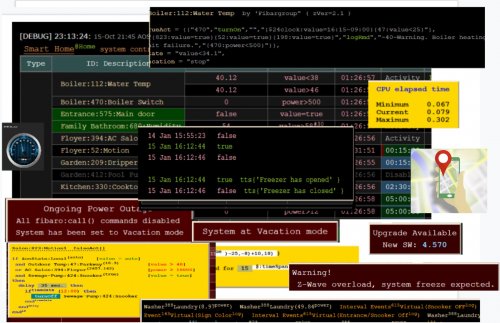
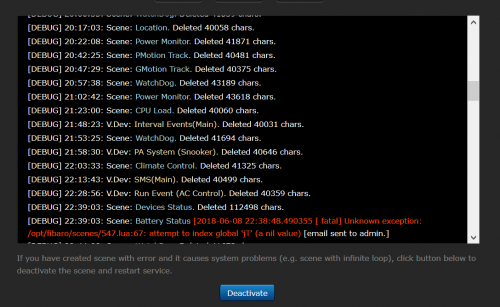
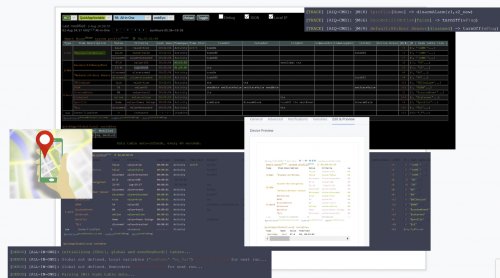
- Debugger Output: Shows executed commands with color-coded status.

- Table Header: Displays system info, sunrise/sunset, home/vacation mode, system traffic.
-
Columns:
- Device type, ID, name, battery status
- Criteria evaluation
- Alerts and elapsed time
- Action tables and active rules
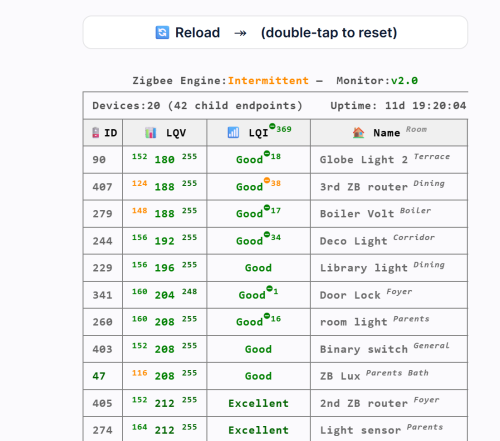
📊 Top Active Monitor (New) AOQ now includes an enhanced Top Active Devices monitor designed to identify devices that may destabilize HC3 performance.
It analyzes lifetime activity, current load per hour, and burst behavior to detect devices generating excessive or abnormal traffic.
The table highlights devices that may cause delays, radio congestion, disconnects, or even controller restarts.
A Peak/h column appears only when abnormal bursts are detected, helping users quickly locate problematic devices without cluttering the interface.
📘 Want to Go Deeper?
You can find the full documentation and guides on the Smart Home Forum by FIBARO, including:
- AOQ Advanced User’s Guide
- AOQ Quick Guide
- AOQ HC-WebEye Viewer
Edited by cag014
Updated
What's New in Version 16.4 See changelog
Released
New features requested by users.
- Added AOQ_Remote.fqa to download center. Please refer to AOQ Remote controller section in Tips and Tricks guide.
- Added on/off icons to download center.
- Added new operators for statement and conditions:
~= not equal to (converted and shown as <>)
>= greater than or equal to (= > is acceptable also, converted and shown as >=)
<= less than or equal to (=< is acceptable also, converted and shown as <=)
New features
- Major "face lifting" on console view
- Display a message if device/scene/variable has been added or deleted to/from the hub.
- On startup wake up only dead devices that included in jM lines. Please refer to Dead Devices section in Advanced User's Guide.
- Added trigErrOk parameter to enable execution of errAct/okAct tables when lineState and verification defined at the same line. (in both cases)
Bugs Fix
-
time range in timeSlot (i.g. "d=1~5;")
-
adding new device/scene/variable while AOQ is running.
Update Procedure
New users:
Download All-in-One-v16.4.fqa and add to the system as QA device
Exist users:
Download AOQ-main-v16.4.txt and copy to main file in your QA.